
Editing Short-Form YouTube Content Faster: Tools That Save Time
YouTube Shorts can grow a channel at lightning speed, but editing them eats up hours if you’re stuck with clunky software. That’s why creators are turning to smarter tools that speed up the process without sacrificing polish. Where popular creators and YouTubers buy views is another place you need to go. Still, the right editing software can give you a big advantage by shaving down your workload and letting you post consistently. That’s why today, we’re going to break down every best editing tool you need to craft viral YouTube Shorts. Let’s get started.
CapCut
CapCut has become a go-to for many short-form creators. The app is free, mobile-friendly, and packed with features like auto-captioning, background removal, and easy transitions. You don’t need to be a tech wizard to create polished content in minutes. What makes CapCut stand out is how it simplifies editing while still offering professional touches. Templates and effects keep your Shorts fresh without hours of tweaking. For beginners or busy creators, it’s like having a pocket-sized editing assistant.
InShot
InShot is popular with lifestyle vloggers and meme creators. Its biggest strength is simplicity: trim clips, add stickers, drop in audio, and you’re done. The interface feels intuitive, so you’re not digging through menus to find what you need. Another advantage is how well it handles social formats. You can resize videos for Shorts, Instagram Reels, or TikTok with a few taps. That flexibility means you get more content out of one clip, saving both time and effort.
Adobe Premiere Rush
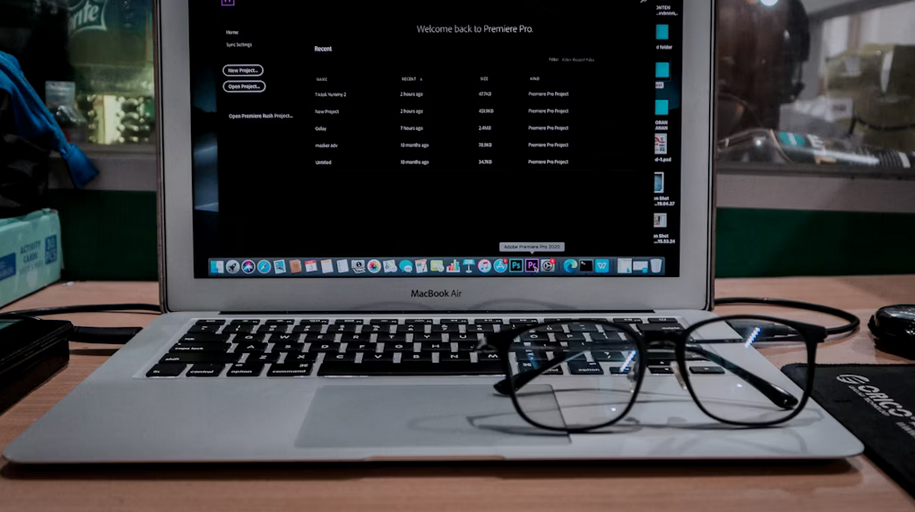
Premiere Rush offers speed without overloading you with complicated tools. It’s stripped down compared to Adobe Premiere Pro, but that’s the point: it’s built for quick edits. You can trim, add text, and drop in music faster than most traditional editors. Syncing projects across devices is another time-saver. Start on your phone, finish on your laptop, and keep the workflow seamless. For creators who want reliability but can’t spend hours editing, Rush is a solid pick.
DaVinci Resolve
DaVinci Resolve is often praised for color grading, but it’s also efficient for short-form editing. The free version comes loaded with features you’d expect in expensive software. It can feel advanced, but once you learn the basics, it’s a powerhouse. Short-form creators benefit from its speed in handling multiple clips and quick cuts. If you want cinematic quality while staying budget-friendly, Resolve delivers. Just expect a steeper learning curve compared to phone-based apps.
Final Cut Pro
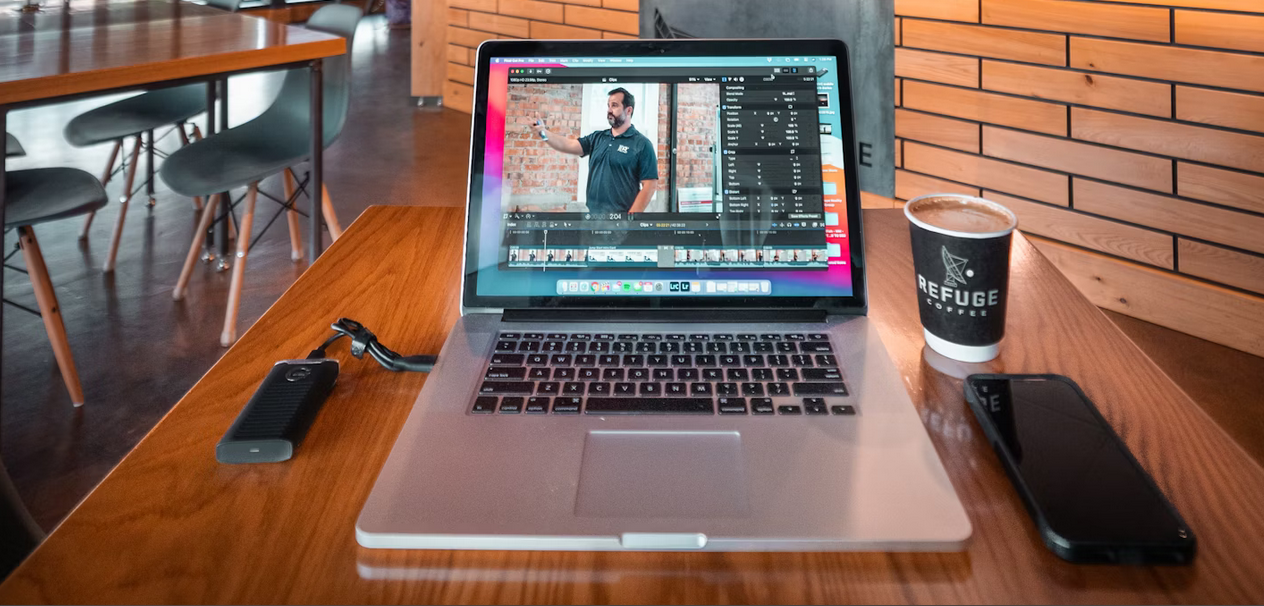
For Mac users, Final Cut Pro remains a top choice. The magnetic timeline makes dragging and cutting clips fast, almost like editing on autopilot. It’s ideal for creators who want smooth workflows with minimal fuss. Short-form projects benefit from built-in effects and fast rendering. The price tag is higher than that of other tools, but many creators see it as an investment that pays off in time saved. If you’re serious about making Shorts look professional, this is one to consider.
Editing short-form YouTube videos doesn’t have to drain your schedule. Tools like CapCut, Premiere Rush, InShot, DaVinci Resolve, and Final Cut Pro help creators keep up with the pace of online content while still producing videos that look polished. Pair them with smart promotion tactics, and your Shorts stand a far better chance of reaching the audience they deserve.